What the Pilcrow Sign Means and How to Use It in Text
The pilcrow sign (¶) identifies a paragraph. Learn how it differs from §, how to insert it on Mac, and what it means in Word.
- Typography
- Font Characters
On this page
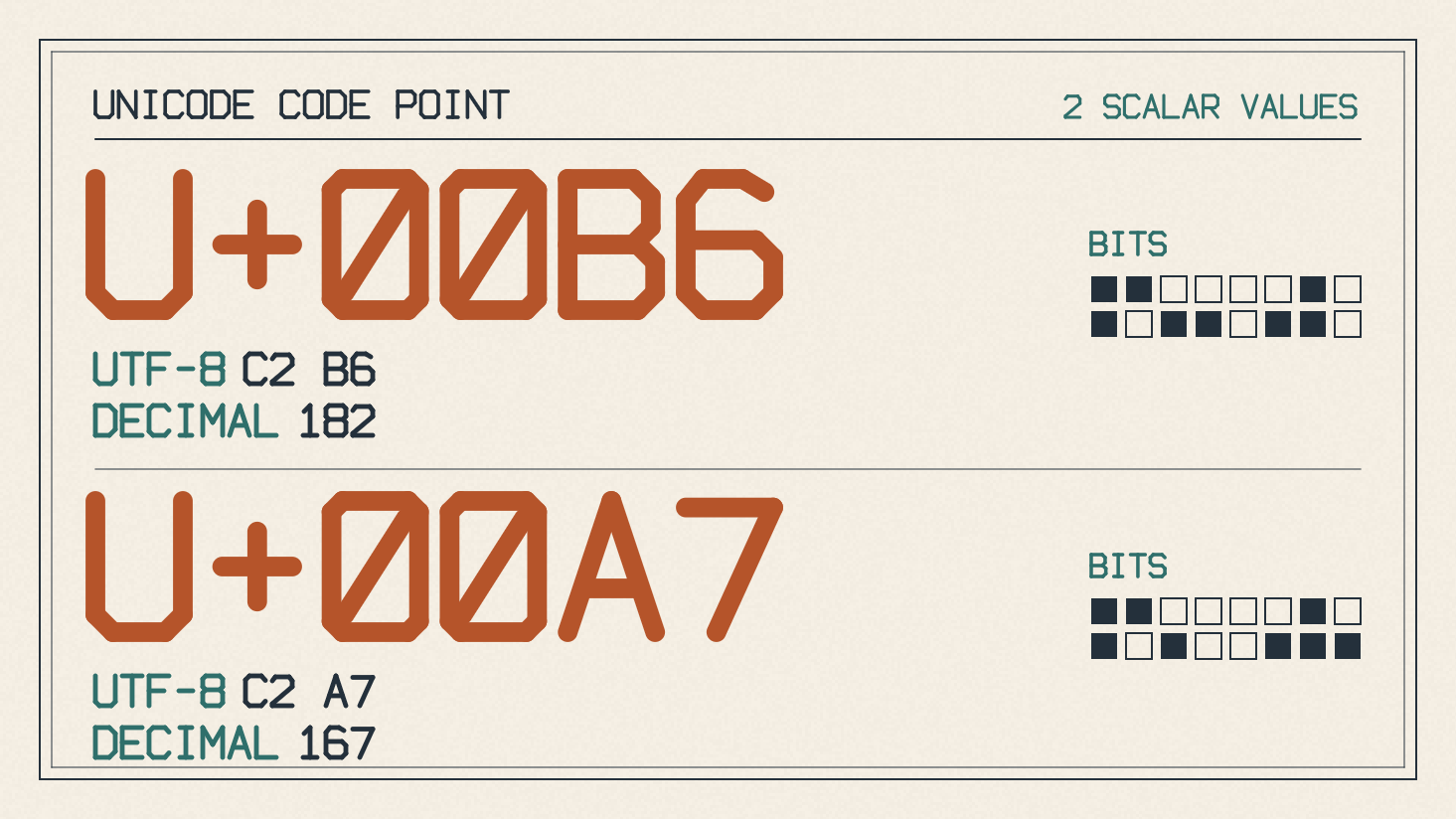
The pilcrow is a symbol used as a paragraph marker, sometimes called the “paragraph sign.” You can see it as the symbol at the beginning of each new paragraph in your document. The section sign is similar, though typically used within a legal text. ¶ (U+00B6) is distinct from § (U+00A7).
The pilcrow is represented by the Unicode character U+00B6 PILCROW SIGN. Proofreaders use this paragraph mark to indicate new paragraphs, while legal writers use it to cite specific paragraphs. While you can insert the pilcrow character directly into a document, the more common approach is to use Word’s formatting tools to show or hide it.
How to Insert a Pilcrow
If you’d like to insert a pilcrow character manually into a document, you can do so using Apple’s documented workflow for macOS. Open a blank TextEdit file and place the insertion point where you want the character to appear. Then select Edit > Emoji & Symbols, then click the pilcrow character (U+00B6) to insert it into your document. If the Character Viewer appears as an expanded list, simply double-click the desired character to insert it.
Show or Hide Paragraph Marks in Word
Word displays paragraph breaks as the pilcrow sign when you enable the display option. Clicking the Show/Hide button toggles these characters, while checking the appropriate box in Word’s Preferences menu keeps them visible on screen permanently. On Windows, you can find the relevant options in the File > Options > Display menu; on macOS, they are found in Word > Preferences > View. If paragraph marks remain visible after you click Show/Hide, clear their checkbox in the relevant settings menu.
The appearance of the pilcrow depends on the font you use, but the general idea remains: the pilcrow looks like a mirrored capital P or a lowercase q. It might be filled or empty, with the left-side bowl either extended downward to resemble a mirrored D or simply doubled back on itself. Most glyphs feature a doubled backbone, but this varies from one typeface to another. A typical glyph includes a descender that extends below the baseline, as well as an ascender that rises above the baseline. In many instances, the glyph’s backbone will span the space from descender to ascender height. The vertical backbone might be straight or slightly curved toward the bowl.
Sources
More in Font Guides
- How to Choose Number Fonts for Prices, Dates and LabelsChoose number fonts for prices, dates and labels by previewing your text, checking symbols and comparing available numeral styles.
- How to Choose a Font for Blocky Letters in HeadingsChoose a font for blocky letters by comparing square shapes, heavy strokes and slab serifs, then checking your heading's spacing, fit and license.
- How to Choose Letter I Fonts for Initials and Short TextChoose letter I fonts by comparing uppercase I, lowercase i, l and 1, previewing your full text, and separating font files from Unicode symbols.